Discover
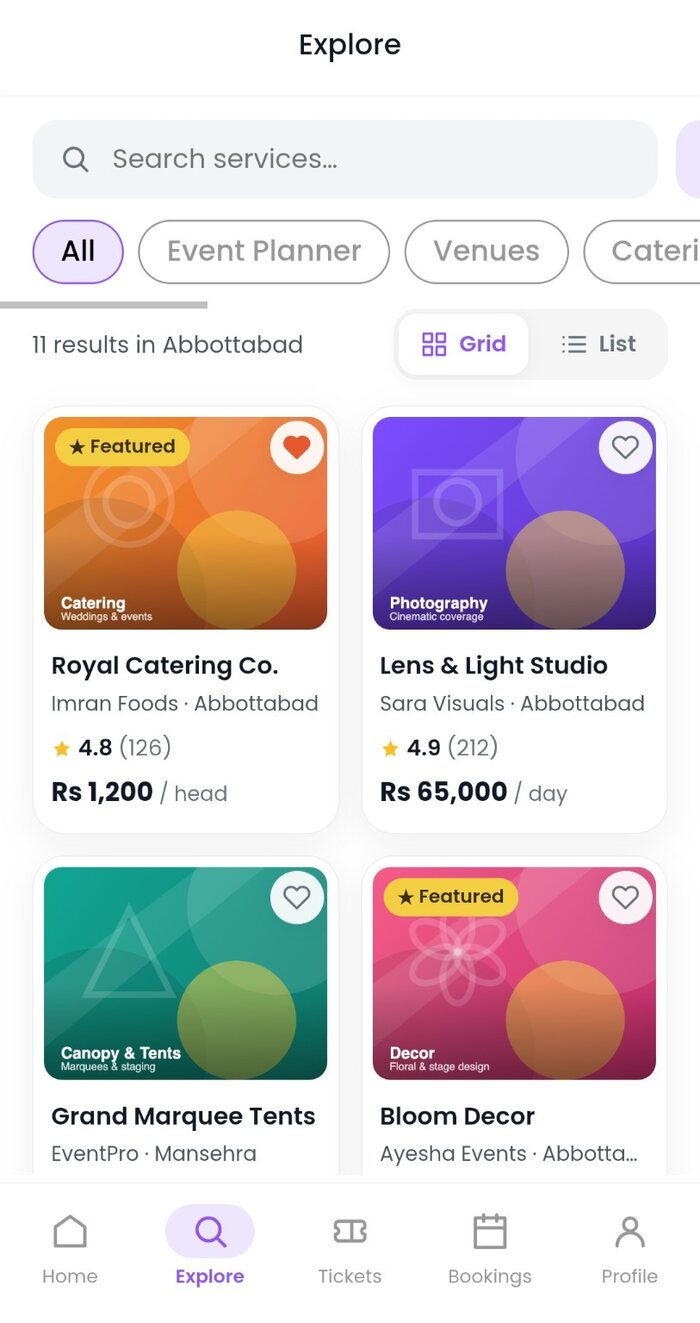
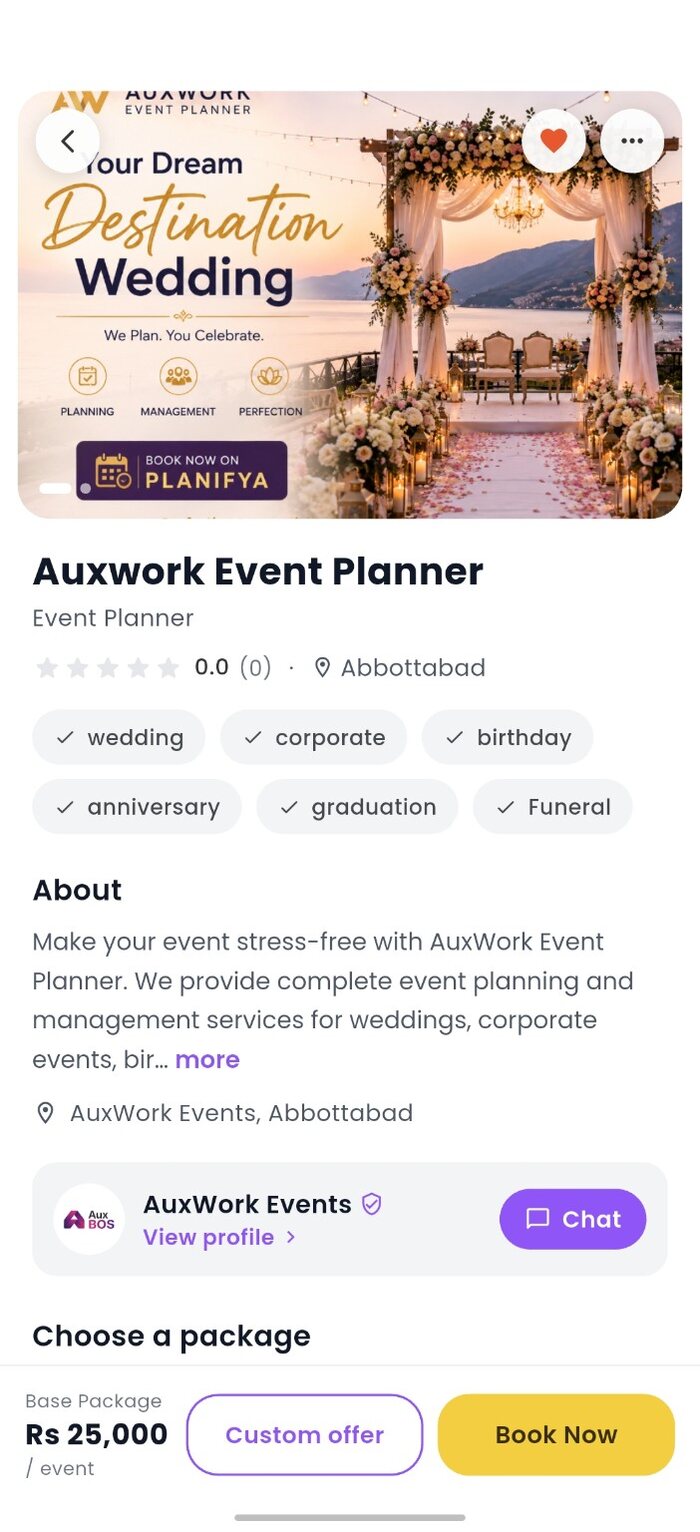
Browse service categories, search and filter by location. Check profiles, package details, images, pricing and conditions before booking.
Discover providers, record the agreement, book with a clear transaction trail and keep every update close.
Browse service categories, search and filter by location. Check profiles, package details, images, pricing and conditions before booking.
Message the provider in Planifya. For custom work, request a quotation that records the service, scope, price, date, terms and offer expiry.
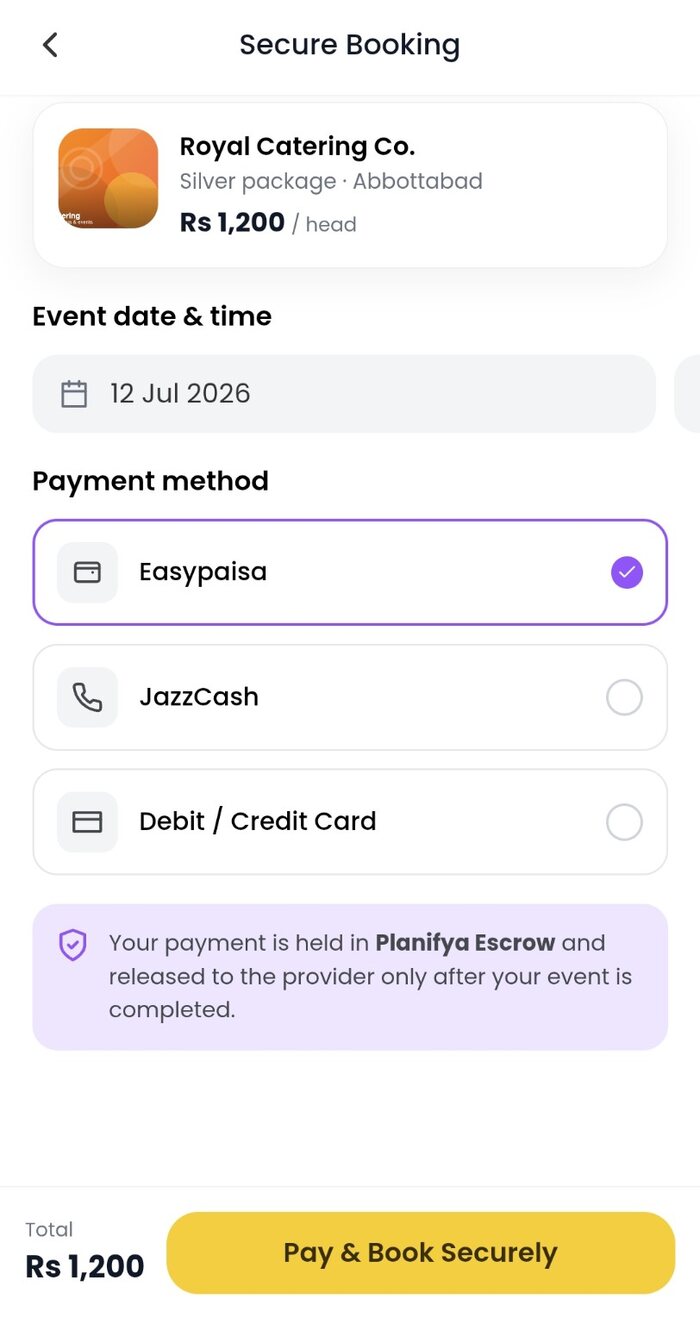
Choose a listed package or accepted custom offer, review the checkout total and use an active payment method shown for the transaction.
Follow the booking in My Bookings. Share the six-digit completion PIN only after the agreed service is actually complete.
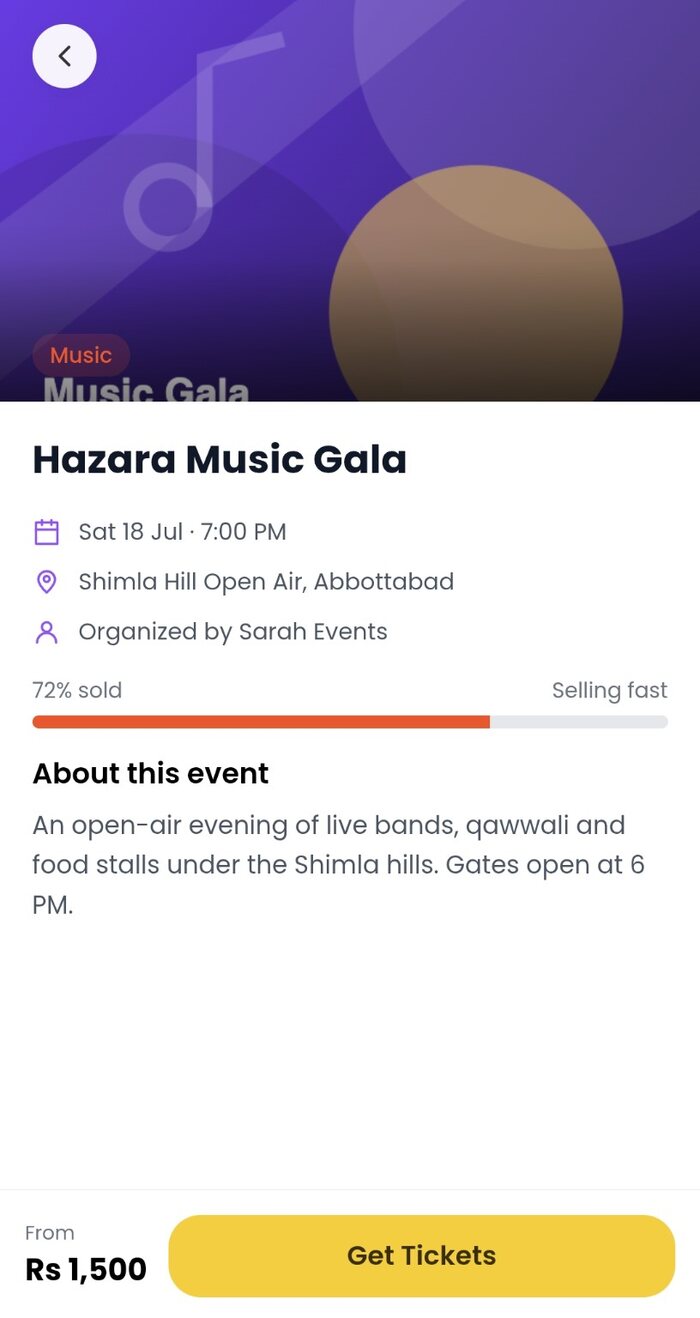
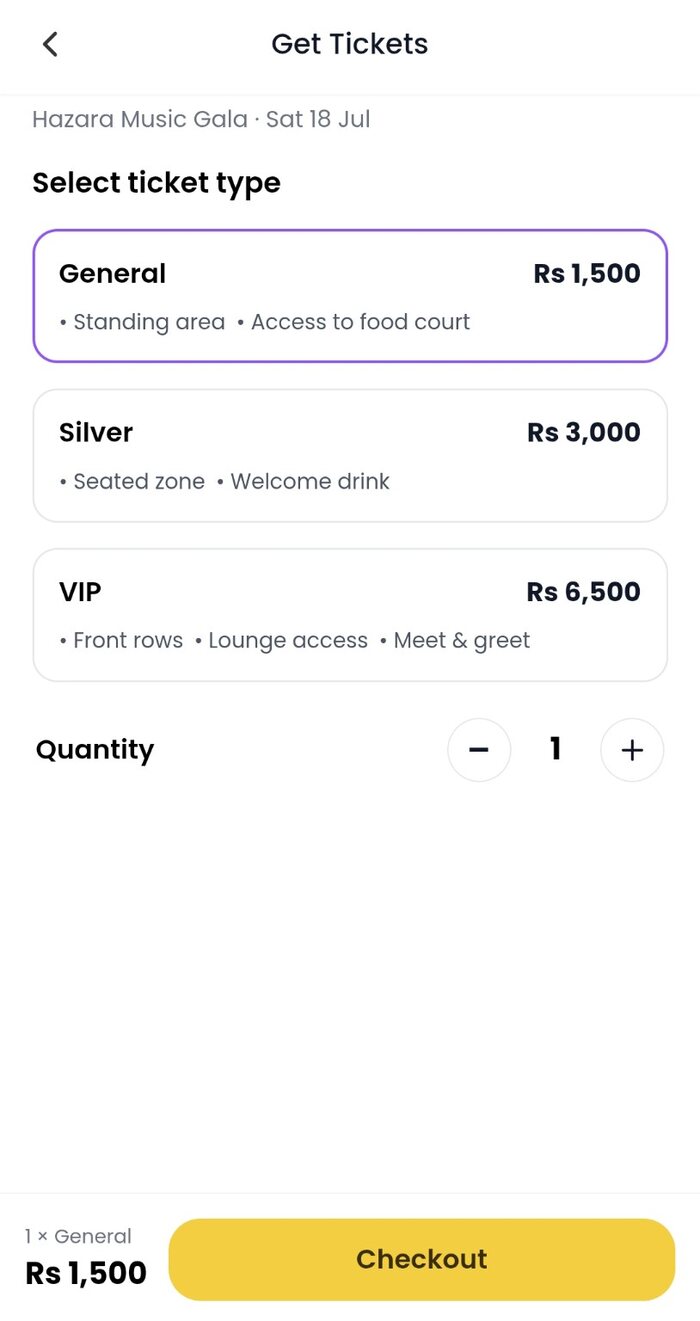
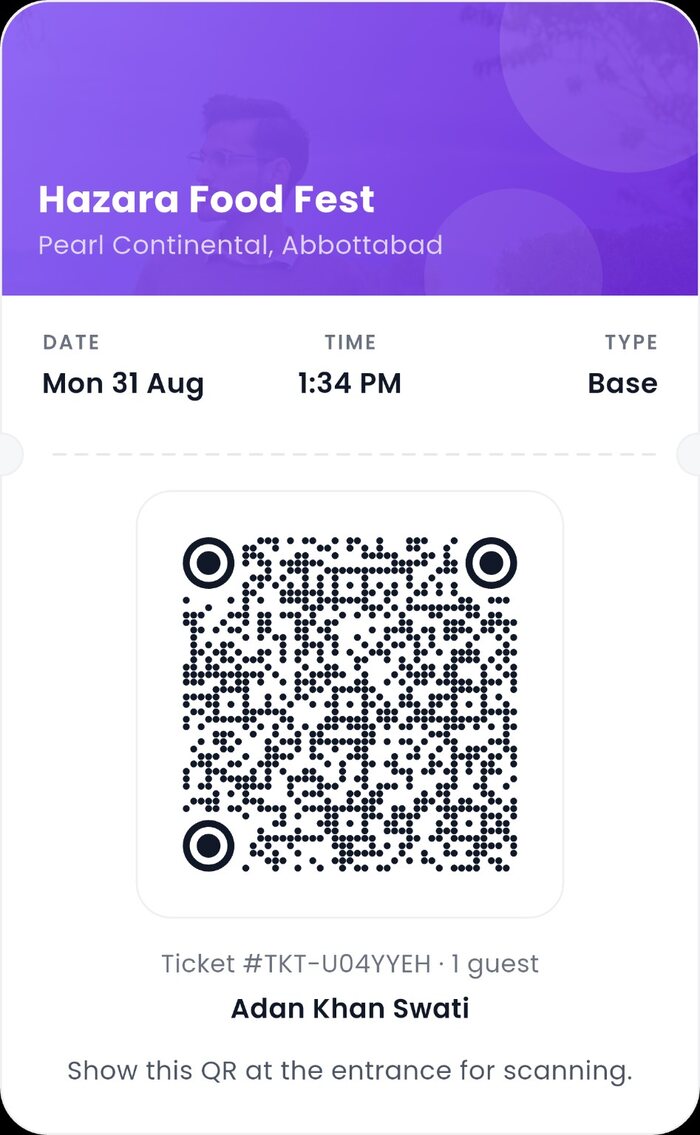
Verified public events can offer ticket packages through Planifya. Choose your tier and quantity, review the event and sales cutoff, pay, then find the QR credential in My Tickets.
Use Planifya chat for scope changes, pay through supported checkout and keep the relevant booking, order and transaction references for support.
Do not pay again immediately. Let the transaction reconcile. If the booking still does not appear, contact support with the order or transaction reference—never your OTP, PIN or CVV.
An eligible paid service booking can be cancelled within five minutes for an automatic full refund. After five minutes, the provider can approve or dispute the request.